

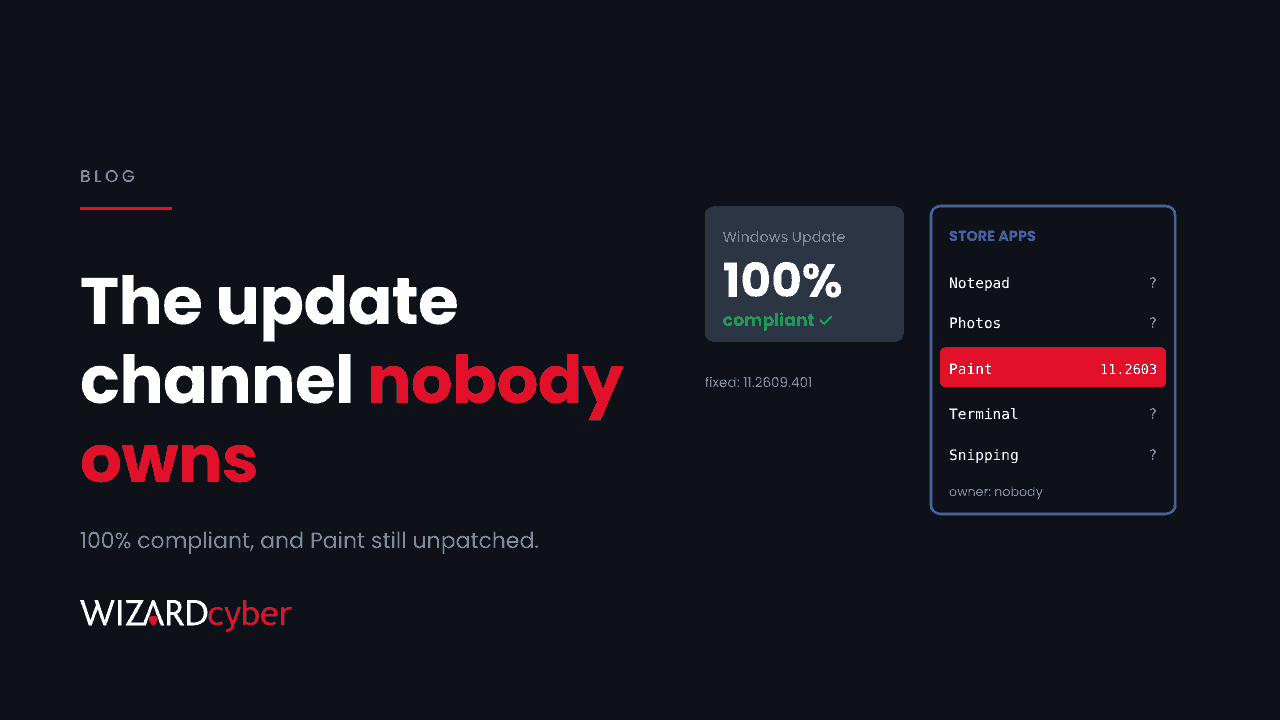
In October Microsoft disclosed a remote code execution flaw in Paint. If you installed every Windows update that month, your devices may still be vulnerable, and your patch report could still show 100% compliant. Paint is updated through the Microsoft Store, not Windows Update, and in early November some machines with Store auto-updates on hadn't received the fixed build. Paint itself is a minor risk. The useful question is how many other apps on your fleet are patched through a channel nobody reports on.
What happened
Microsoft published CVE-2026-83844 on 13 October. It is an out-of-bounds read in Paint, rated Important with a CVSS score of 8.1, that can lead to code execution. Microsoft's description says an unauthenticated attacker could exploit it by sending a specially crafted packet over the network, without user interaction, although attack complexity is rated high. There are no reports of exploitation in the wild.
On 5 November Windows Latest reported that a fully updated Windows 11 machine with Store auto-updates on was running Paint 11.2603.251.0, older than the 11.2609.401.0 Microsoft lists as fixed, and the Store offered nothing newer. Administrators on Reddit described the same thing. Cyber Security News added that the advisory first listed a different fixed build before changing it. It isn't yet clear whether this is a Store rollout delay or an error in the documentation. Either way, the devices reported as up to date weren't.
Why your patch report missed it
Most organisations measure patching by asking one question: did the month's cumulative update install? Windows Update for Business, WSUS, Intune update rings and Configuration Manager all report on that well. But modern Windows now ships a growing set of components outside the cumulative update:
- Inbox apps delivered through the Store: Paint, Notepad, Snipping Tool, Photos, Terminal, Calculator and others.
- Apps that update themselves: browsers, Teams, collaboration clients, PDF readers, developer tools.
- Runtimes and libraries bundled inside other software, which we covered in Patched The Server, Not The App.
Each has its own update mechanism, its own timing and, usually, no owner. The Windows team assumes the Store handles it. The Store is set to auto-update and nobody checks the result. The compliance dashboard counts KBs. So a flaw like this one falls between all three.
That has a governance cost as well as a technical one. If a regulator, an insurer or your board asks "are we patched against CVE-2026-83844?", a cumulative update report doesn't answer the question. You need a version number from each device.
What to do this week
Check the version, not the update status
On a single machine:
Get-AppxPackage -Name Microsoft.Paint | Select-Object Name, VersionAcross the fleet, use what you already have. An Intune remediation script or proactive remediation can collect that output. If you use Microsoft Defender Vulnerability Management, its software inventory may already list the app. Check what it records before you rely on it:
DeviceTvmSoftwareInventory
| where SoftwareName has "paint"
| summarize Devices = dcount(DeviceId) by SoftwareVendor, SoftwareName, SoftwareVersion
| order by SoftwareVersion asc
If the inventory doesn't see Store apps on your estate, that's a finding in itself.
Decide whether Paint needs to be there at all
On servers, kiosks and locked-down devices, the simplest fix is to remove inbox apps nobody uses. Fewer components means fewer channels to track. Test removal on a pilot group first, because some line-of-business workflows rely on unexpected inbox apps.
Give the Store channel an owner
Decide who is accountable for Store-delivered and self-updating apps, and what "patched" means for them: a version number, checked within a set number of days of a fix being published. Write that into the patch policy next to the cumulative update SLA, not in a separate document nobody reads.
The wider point
This isn't a story about Paint. Microsoft's analysis of exploited vulnerabilities, which we covered in our post on edge appliances, found that appliances outside the main patch cycle often took more than a year to be patched. Store apps aren't appliances, but the pattern holds: whatever sits outside the routine stays vulnerable longest. Every new update channel is a new place for a fix to stall without anyone noticing. A patch programme that measures one channel will report high compliance while the risk sits in the others.
The fix is not complicated, and it doesn't need a new tool. It needs three things:
- An inventory of update channels, not just devices: cumulative updates, Store, self-updaters, bundled libraries, firmware.
- An owner for each channel, named in the patch policy.
- A version-based check for each channel, reported alongside the cumulative update figure so the board sees all of it.
Our guide to the vulnerability management lifecycle explains where this fits: it is the "verify" stage, which is where most programmes stall.
How we help
Wizard Cyber's vulnerability and patch management service tracks what is actually installed rather than what an update report claims. It ranks findings by exploitability so that effort goes where the risk is. If you want an independent view of how your Microsoft estate is configured and updated, our Microsoft security consultancy team can review it with you.
Not sure what your patch report is missing? Talk to our team.